How to Choose the Right Multifunction Printer for Your Office
Choosing the right multifunction printer, or MFP, is not just about print speed or price. The right device should match your office size, document volume, scanning needs, security requirements and daily workflow.
For businesses in Singapore, choosing an MFP that fits actual usage can help improve productivity, reduce unnecessary costs and support more efficient document management.
What is a Multifunction Printer?
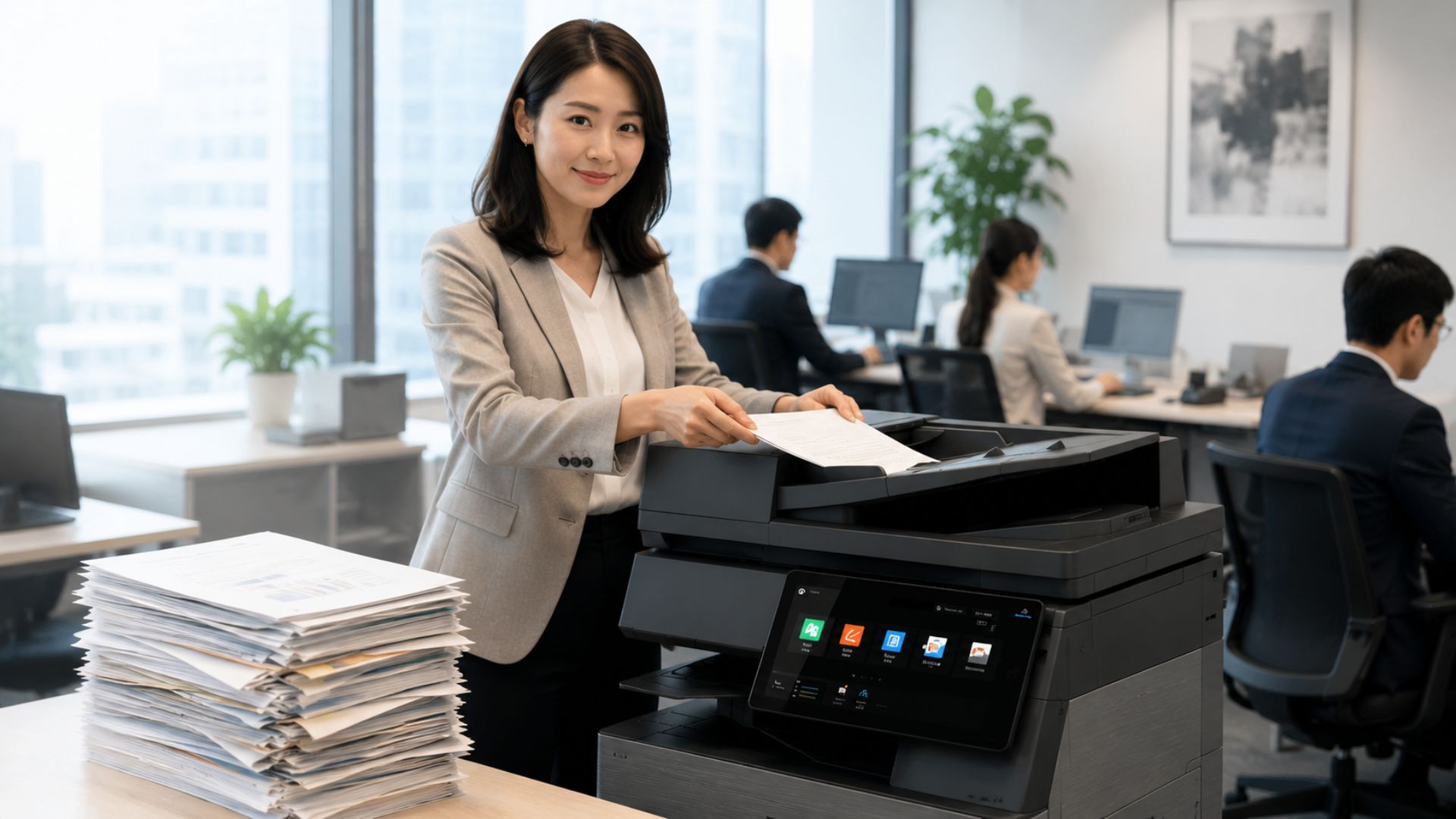
A multifunction printer combines several office functions in one device, typically printing, copying and scanning.
Modern business MFPs may also support duplex scanning, mobile printing, wireless connectivity, user authentication, secure print release and document workflow functions.
This makes an MFP suitable for businesses that want to consolidate everyday document tasks into one device.
1. Decide Whether You Need A4 or A3
One of the first decisions is whether your office mainly needs A4 printing or requires the additional flexibility of A3.
A4 MFP
An A4 multifunction printer may be suitable for businesses that mainly work with standard office documents such as:
- Contracts
- Invoices
- Reports
- Letters
- Everyday business documents
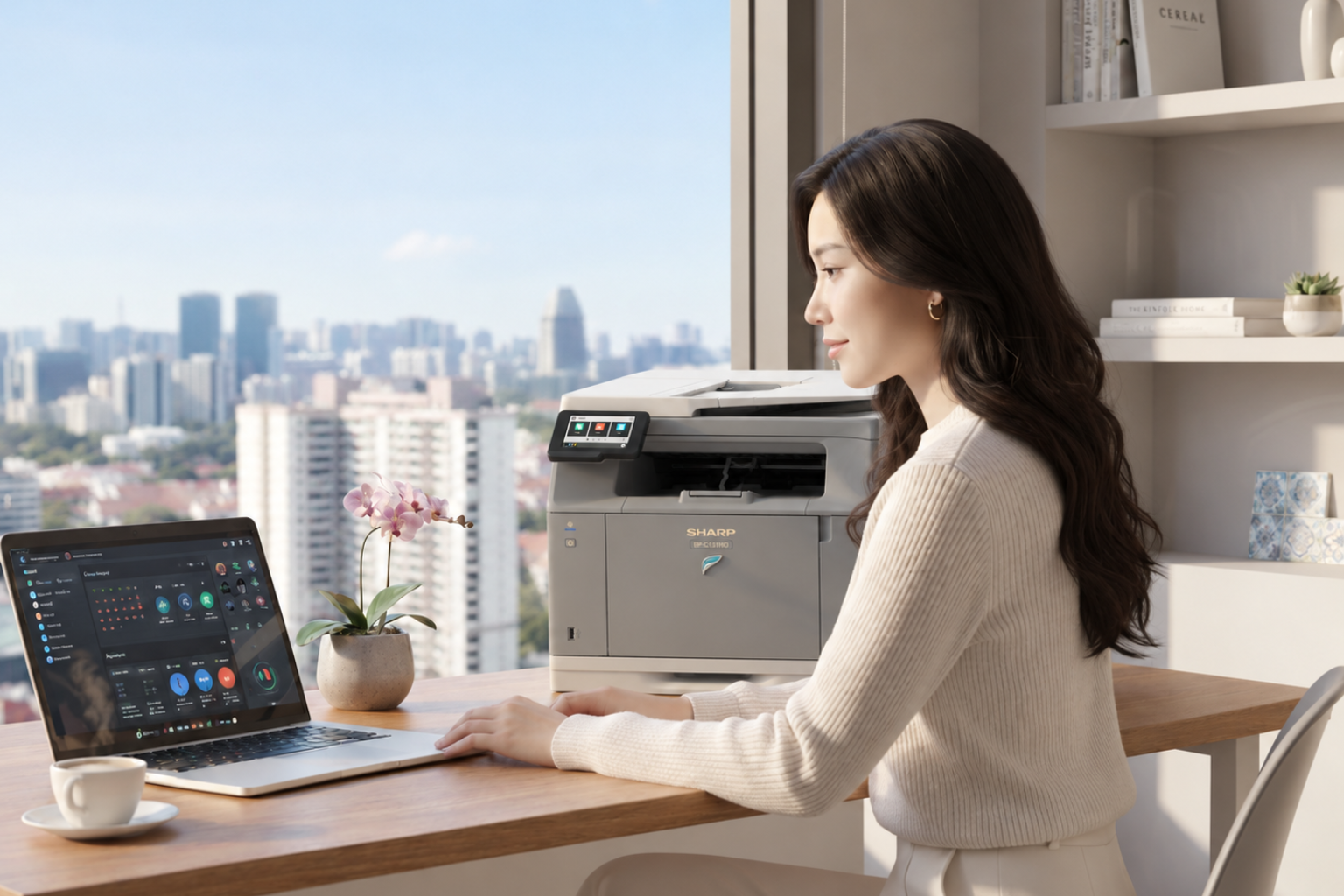
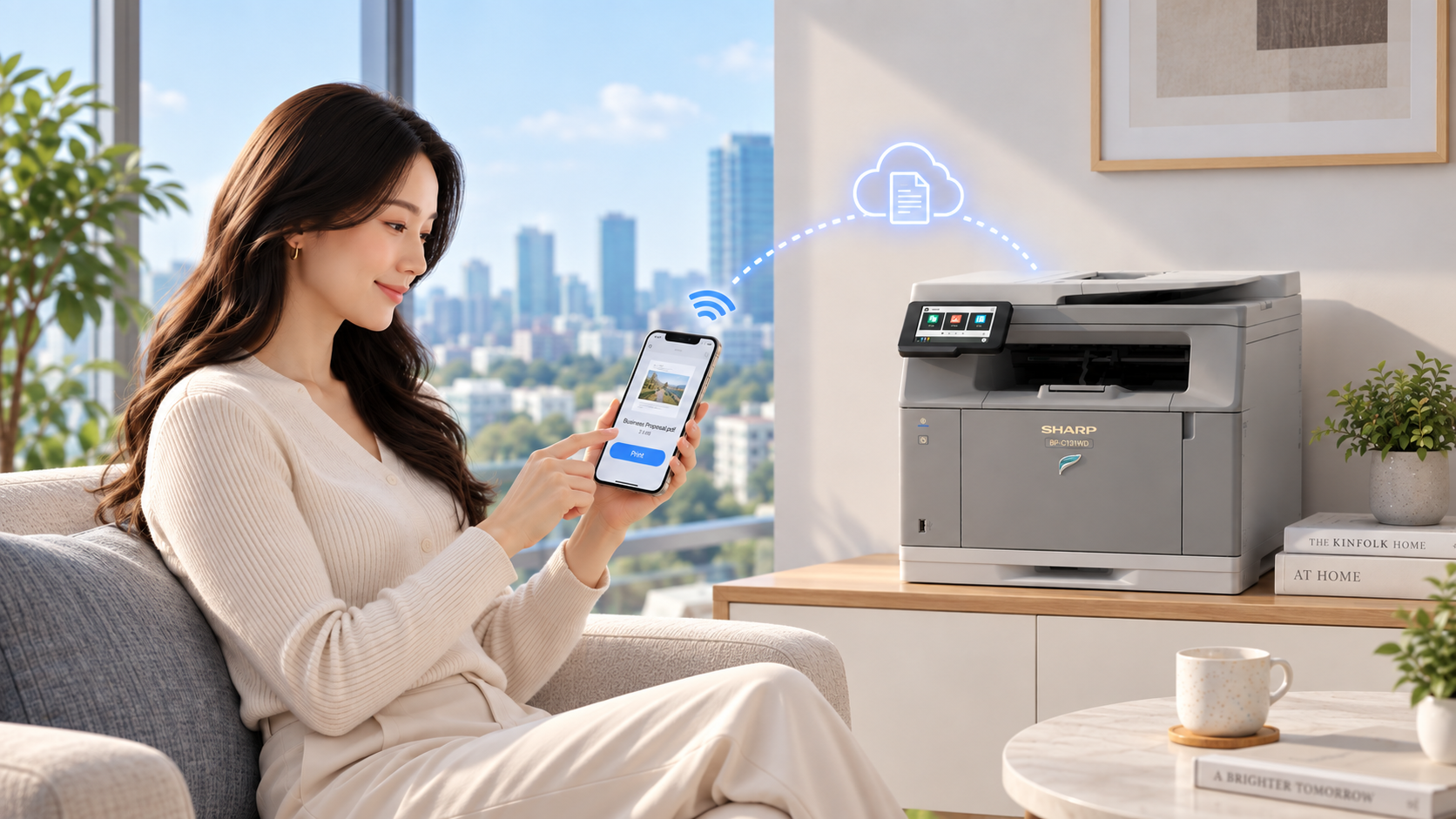
For compact offices and SOHO environments, the SHARP BP-C131WD is an A4 colour multifunction printer designed for everyday printing, copying and scanning while keeping space requirements to a minimum.
For businesses that require higher productivity and greater document handling capabilities, the SHARP BP-C542WD offers a more powerful A4 colour MFP solution while maintaining a compact footprint suitable for modern offices.
A3 MFP
An A3 MFP may be more suitable for organisations that require greater flexibility in paper size, document handling and print volume.
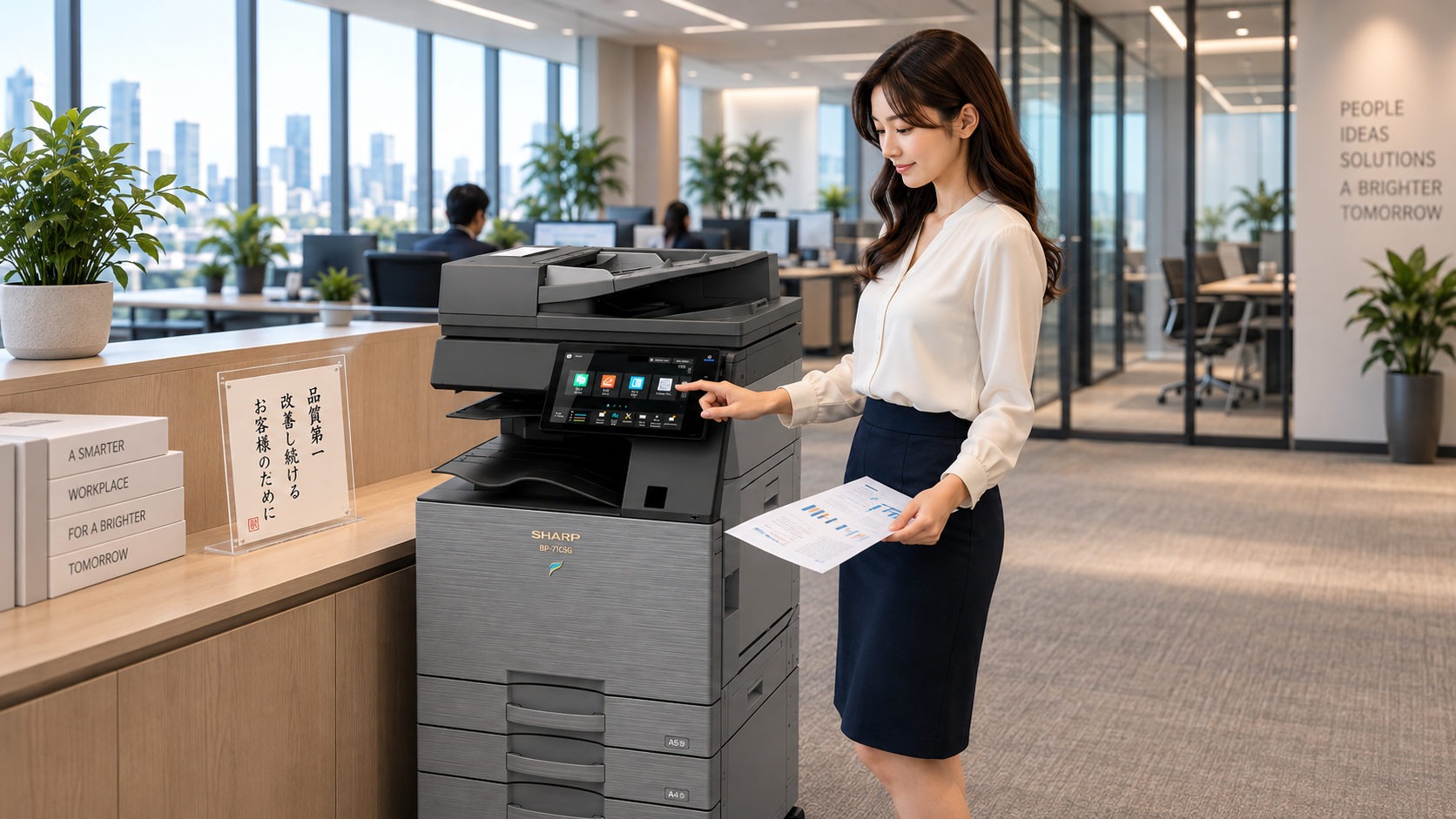
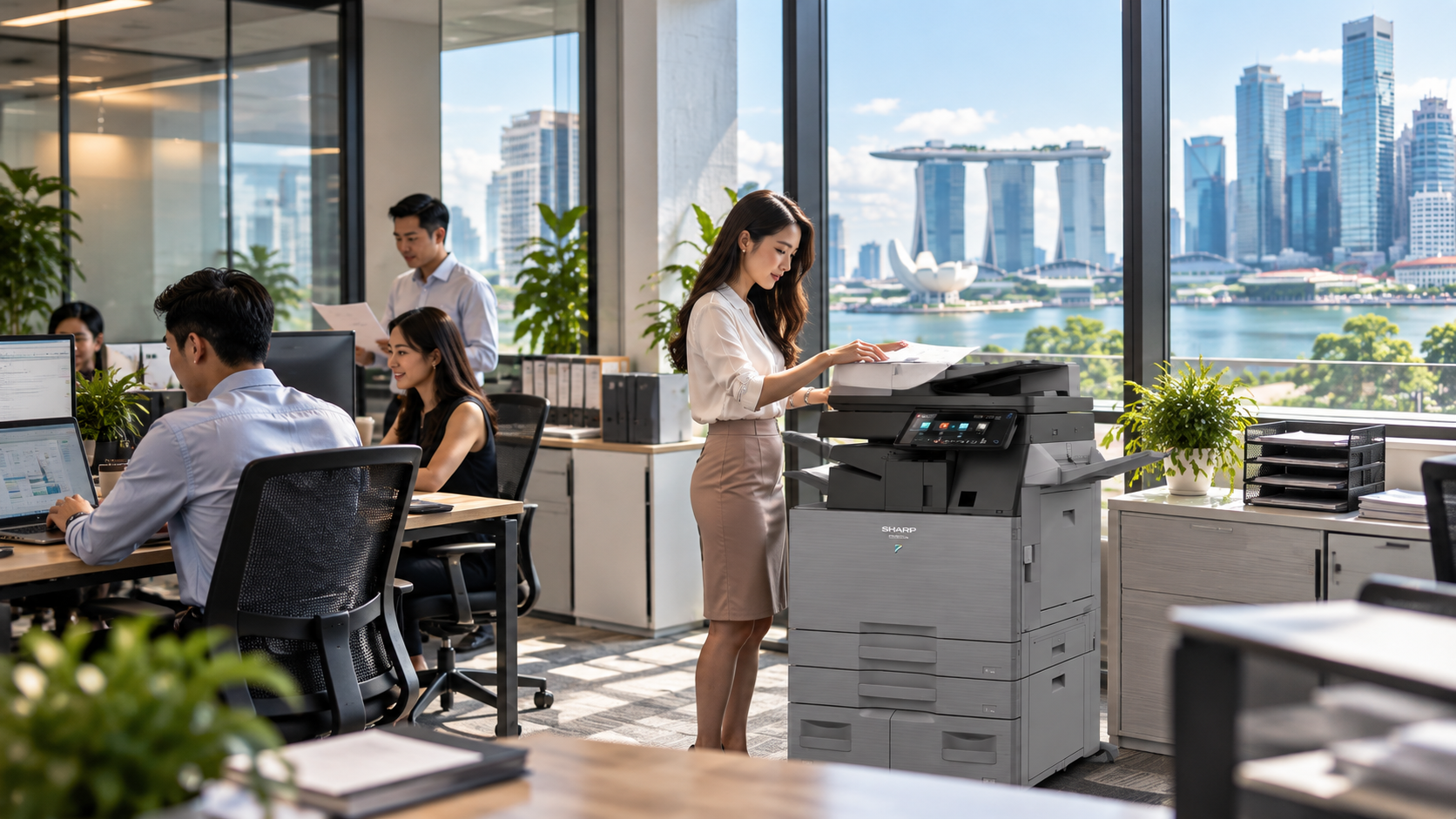
SHARP's A3 Colour MFP Series ,including the BP-51C, BP-61C and BP-71C Series, is designed for businesses that require greater document capacity, flexibility and workflow support.
For organisations that primarily produce black-and-white documents, SHARP also offers an A3 Monochrome MFP Series .
2. Consider Your Print Volume and Number of Users
Office size alone should not determine which MFP you choose. A small accounting department, for example, may print more than a much larger team that works mainly with digital documents.
Consider:
- Average monthly print volume
- Number of employees sharing the device
- Peak printing periods
- Colour versus monochrome usage
- Typical document size
- Required print speed
Print speed should be selected based on your organisation's actual usage and workflow requirements. A busy department with frequent print jobs may benefit from a faster MFP, while an office with lower print volumes may not require the same level of performance.
SHARP offers business MFPs with print speeds ranging from 28 ppm to 65 ppm, allowing businesses to select a model that better matches their workload and productivity requirements.
A device that is too small for the workload may lead to frequent interruptions, while an oversized MFP may increase operating costs unnecessarily.
3. Look at Scanning and Document Workflow
As more businesses digitise documents, scanning performance can be just as important as print speed.
If employees regularly scan contracts, invoices, forms or customer documents, consider functions such as:
- Automatic document feeder
- Duplex scanning
- Scan-to-network folder
- Searchable PDF
- High-speed document scanning
- AI-powered OCR for converting scanned documents into searchable and editable digital content
With AI OCR, scanned documents can be recognised and transformed into usable digital information, helping businesses reduce manual data entry and streamline document workflows.
The right MFP can help employees move documents from paper into digital workflows more efficiently.
4. Review Security Features
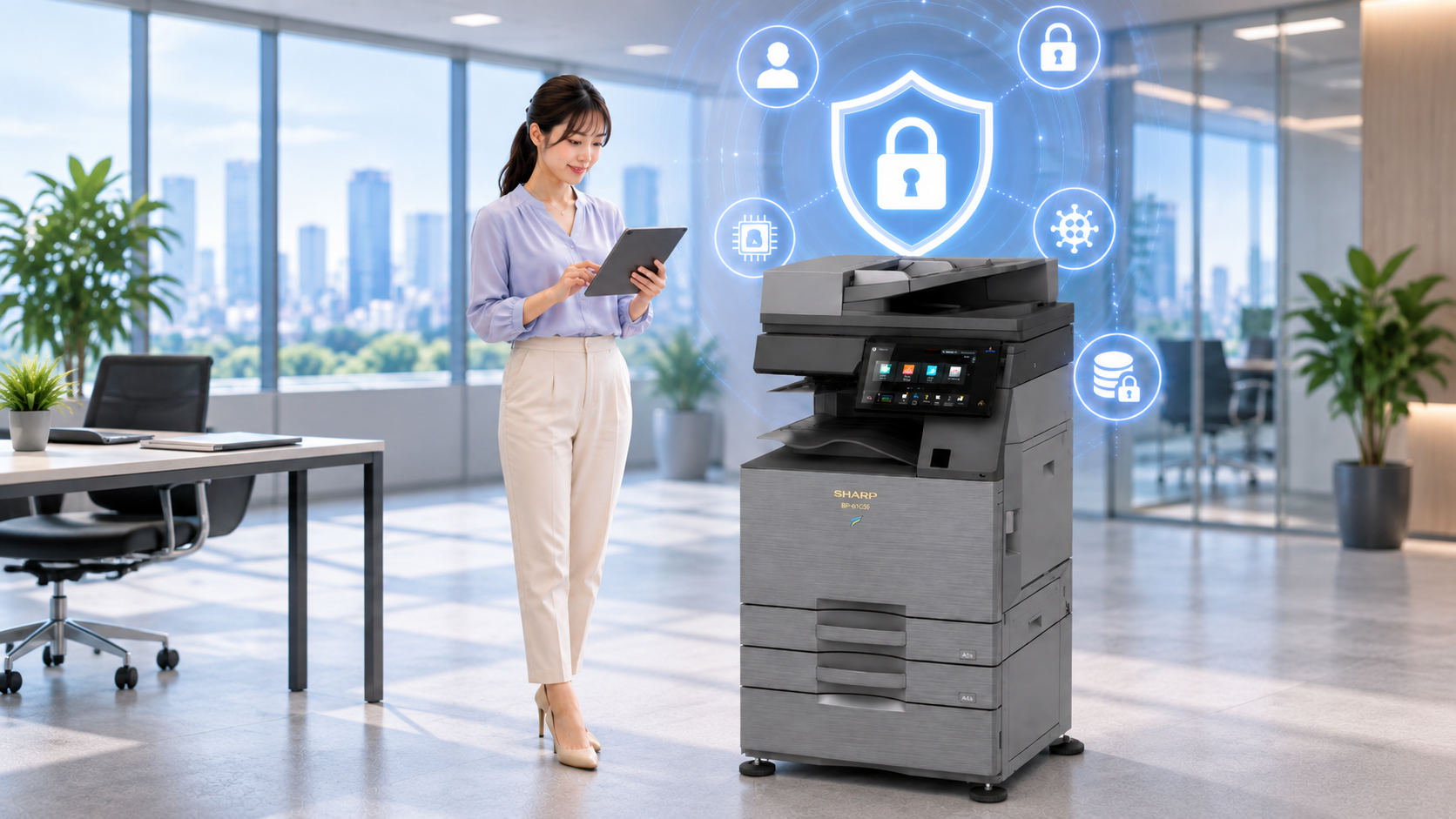
A modern office printer is connected to your organisation's network and may process confidential business information. Security should therefore be an important consideration when selecting an MFP.
Depending on the model and configuration, SHARP business MFPs may support features such as:
- User authentication
- Secure print release
- Data encryption
- Access controls
- Secure communications
- Firmware and BIOS protection
SHARP offers business MFPs with enterprise-grade security features designed to help protect confidential information, control device access and strengthen security across connected document workflows.
Secure print release can be particularly useful because confidential documents are only printed after the authorised user confirms their identity at the device.
5. Think About Mobile and Flexible Working
Employees increasingly work across laptops, smartphones and tablets, whether they are in the office, working from home or working remotely between locations.
SHARP offers business MFPs with mobile and wireless connectivity features that support flexible printing from compatible devices, helping employees stay productive across different working environments.
This can be particularly useful in hybrid offices, shared workspaces and meeting environments where employees may need to print from different devices or locations.
6. Consider Total Cost of Ownership
The purchase price is only one part of the cost of an MFP.
Businesses should also consider:
- Toner and consumables
- Maintenance
- Service support
- Energy consumption
- Cost per page
- Downtime
- Expected lifespan
A lower-priced device may not always provide the lowest long-term operating cost.
The most suitable MFP is usually the one that matches the expected workload and business requirements rather than simply having the lowest upfront price.
Which SHARP MFP May Suit Your Office?
For businesses that mainly work with standard A4 documents, an A4 multifunction printer can provide a compact and efficient solution for everyday printing, copying and scanning.
SHARP offers A4 colour MFP options for different office needs, from compact SOHO environments to businesses that require faster printing, higher scanning performance and greater document handling capabilities.
Suitable for businesses requiring faster A4 printing, higher scanning performance and greater document handling capabilities.
Businesses that require A3 printing, higher document capacity or more advanced workflow capabilities can consider SHARP's A3 Colour MFP Series .
Organisations that mainly print black-and-white business documents can consider SHARP's A3 Monochrome MFP Series .
The right model should be selected based on print volume, required speed, paper size, scanning requirements and security needs.
Frequently Asked Questions
What size MFP does my office need?
The right MFP depends on monthly print volume, number of users, required paper sizes and scanning requirements rather than headcount alone.
Is an A3 MFP better than an A4 MFP?
Not necessarily. An A4 MFP may be sufficient for standard office documents, while an A3 MFP provides greater flexibility for larger documents, higher capacity and more advanced document handling.
What security features should I look for in a business MFP?
SHARP business MFPs support security features such as user authentication, controlled access and print release functions to help protect sensitive documents and restrict unauthorised use.
Should I choose colour or monochrome?
A colour MFP may be useful for presentations, reports and marketing materials. A monochrome MFP may be more suitable for organisations that mainly print text-based documents.
Choosing the Right MFP
The best multifunction printer is not necessarily the fastest or most expensive. It is the device that best matches your organisation's document volume, workflow, security requirements and operating environment.
For compact A4 requirements, businesses can consider the SHARP BP-C131WD or the SHARP BP-C542WD for businesses requiring higher productivity.
Arrange a FREE On-Site Productivity Consultation worth $200 with SHARP Singapore.
Our team can visit your workplace to understand your current printing, scanning and document workflow requirements, identify potential productivity gaps and recommend a suitable MFP solution based on your actual business needs.